
Adaptive route checks
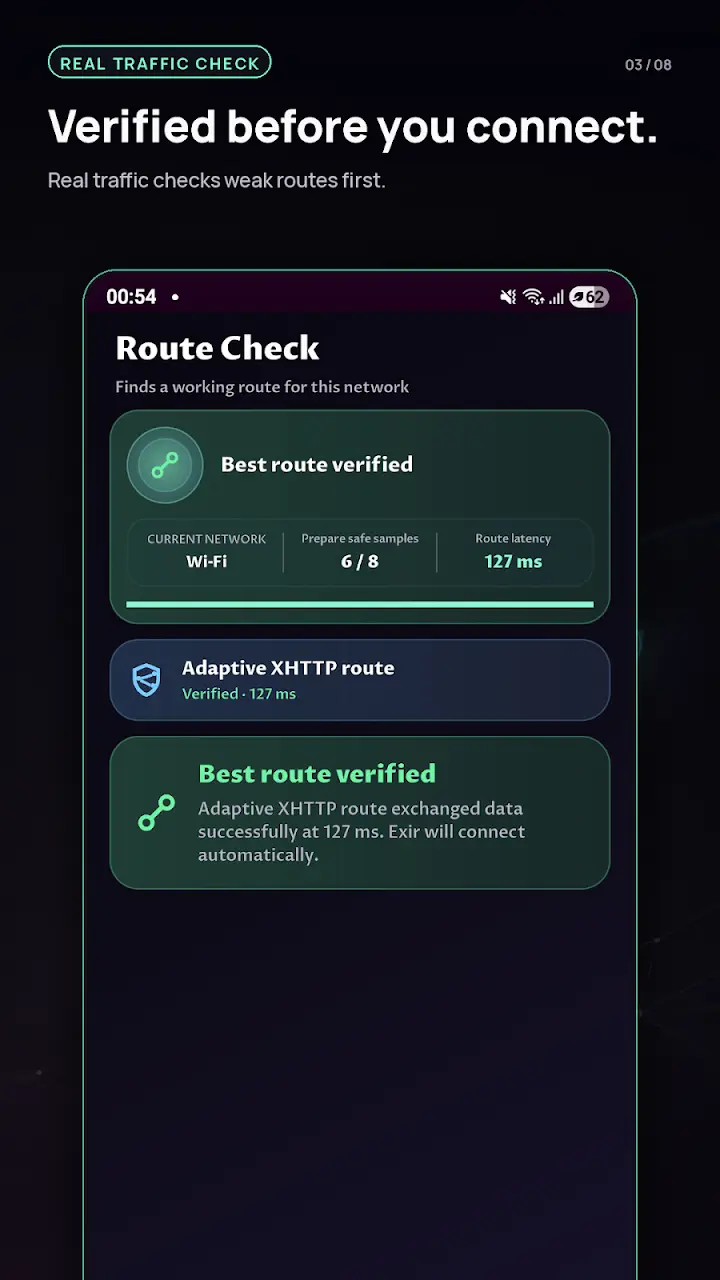
Exir tests connection options and helps select a suitable available route for the current network.
VPN for Android
Exir VPN checks available routes, helps you connect in one tap and gives you practical control over your VPN experience.
Inside Exir
From first tap to active connection, every screen keeps the next action clear and the important details visible.
Swipe or scroll to explore the official Google Play screenshots.
What makes Exir different
Useful automation for quick connections, with deeper options when you need them.
Exir tests connection options and helps select a suitable available route for the current network.
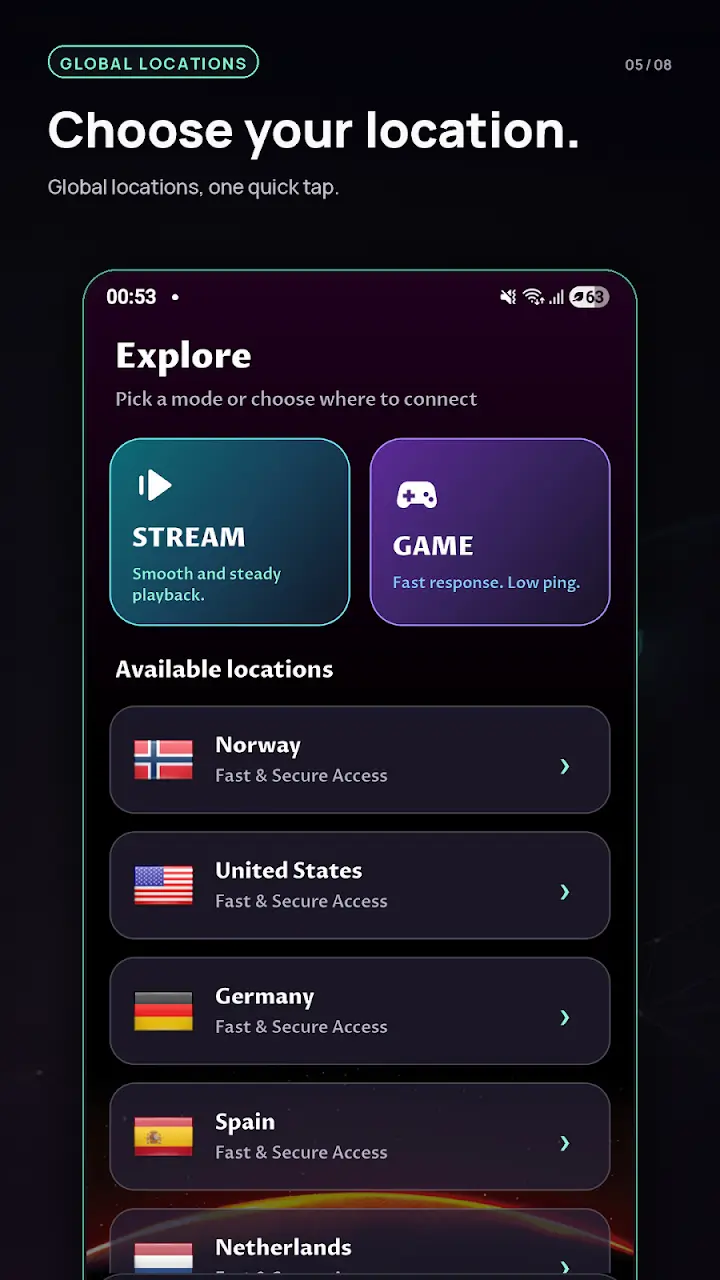
Pick Stream or Game mode and access location choices from one focused screen.
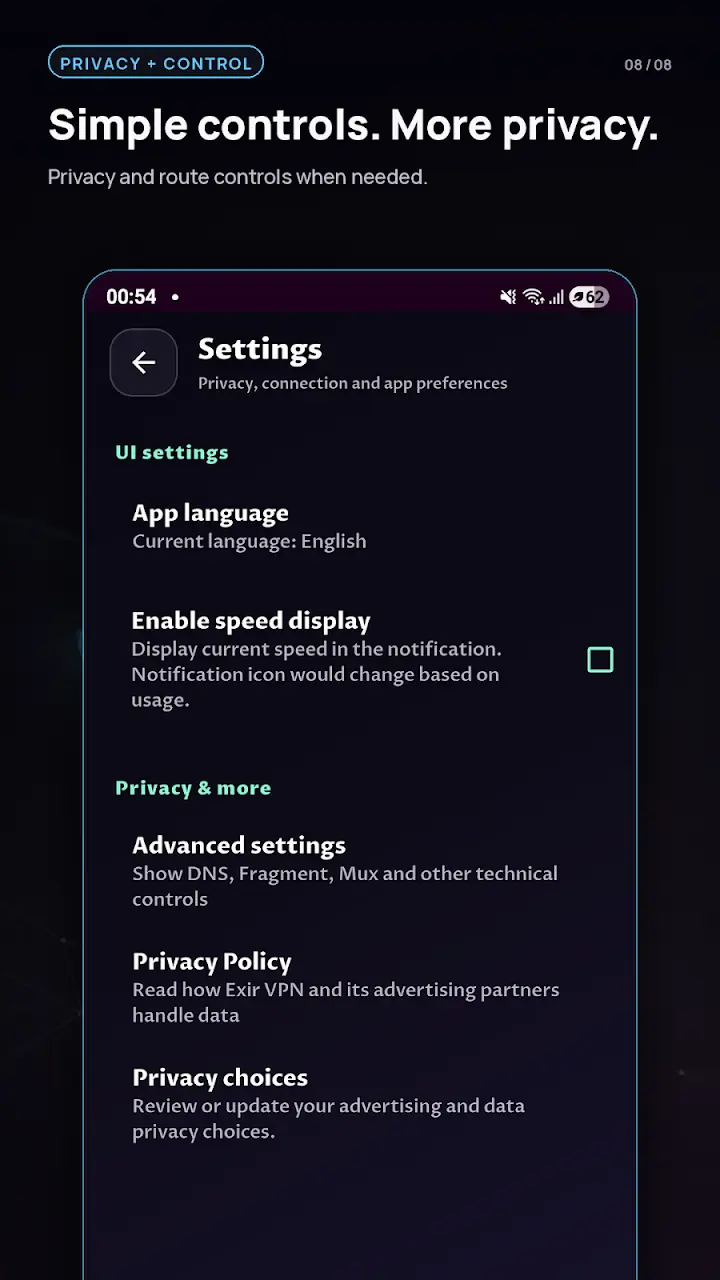
DNS, Fragment, MUX, IPv6 and other technical options stay available without cluttering the main flow.
Test real data exchange, inspect additional supported paths and see measured latency before choosing a route.
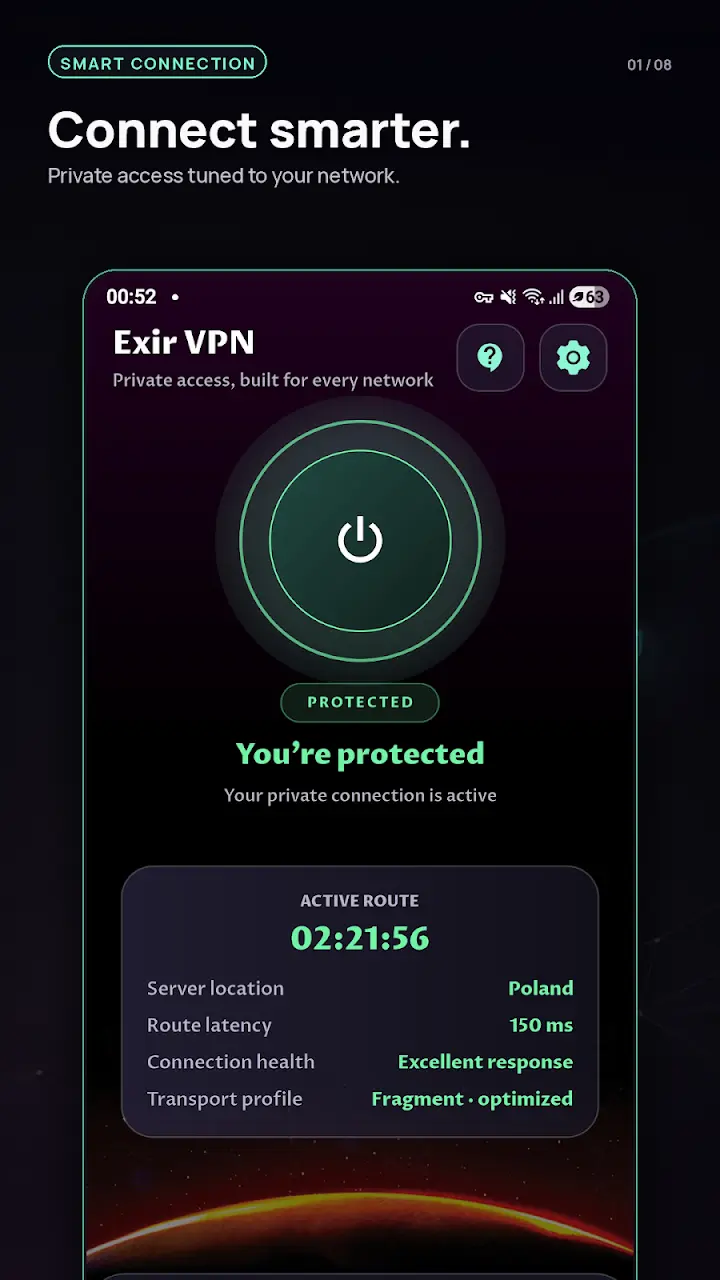
See active time, server location, latency, connection health and the current transport profile in one place.
How it works
Android remains in control of the VPN permission while Exir helps prepare the route.
Start the app without creating an account for the core VPN service.
Select a location or let route checking prepare a suitable option.
Approve Android’s VPN request and start the encrypted tunnel.
Privacy without vague promises
Exir VPN uses Android’s VPNService to create a system-managed tunnel. Traffic is encrypted between your device and the selected VPN endpoint. Our policy explains data processing, advertising and your available choices in detail.
Read the Privacy PolicyQuick answers
Yes. The official Exir VPN app is available from Google Play for supported Android devices.
No account is required for the core VPN service.
The VPN tunnel encrypts traffic between your device and the selected VPN endpoint. Protection after that endpoint depends on the destination and protocols such as HTTPS.
Available on Android
Download the official Exir VPN app from Google Play.
GET IT ONGoogle Play